Xbox Support
Find the answer
Get back to playing
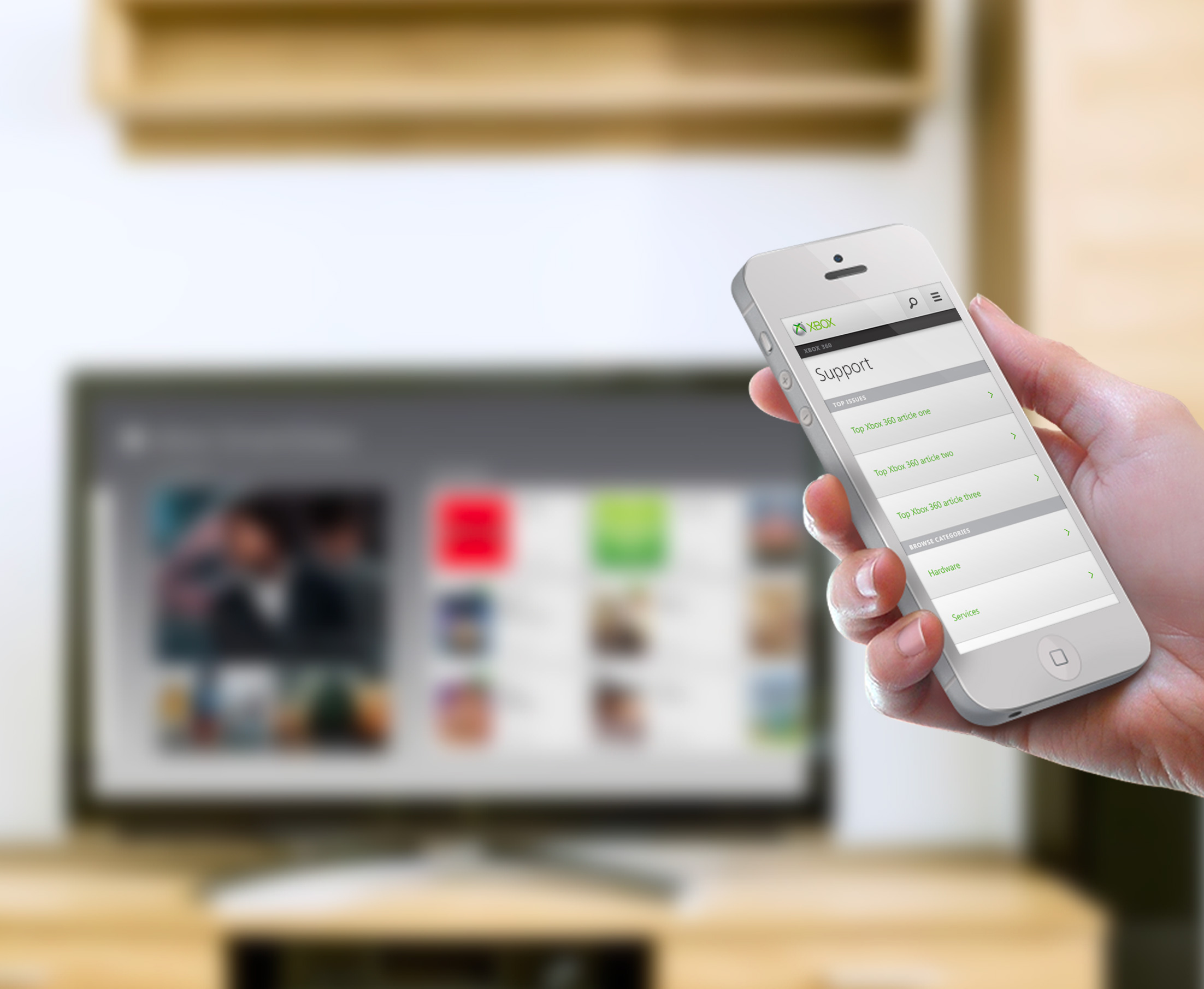
Bringing Xbox support to the screens people had at hand. I adapted the desktop support experience for mobile, designing flows and wireframes and partnering with an agency on the visual direction.
01 / At a glance
Support was moving to mobile
The team handled thousands of requests each day while a growing share of customers arrived on a phone.
Design for the smaller screen
I adapted the existing desktop work into mobile flows and wireframes, and coordinated the visual direction with a local design agency.
More answers through self-service
The mobile experience made support content and troubleshooting easier to reach, contributing to a reduction in support tickets.
02 / The experience
From a question
to a useful answer
A mobile path through the Xbox support categories and a Kinect setup guide.
- 01 / 03 Find
Choose the support topic
The support landing page organizes the available topics into a compact mobile view.
Support categories presented on a phone. - 02 / 03 Follow
Break the task into steps
A setup guide presents a sequence that people can follow on the smaller screen.
The Kinect setup guide organizes the task into expandable steps. - 03 / 03 Resolve
Keep the instruction in context
Opening a step reveals its visual explanation within the guide, so the person can continue from where they are.
An expanded setup step combines an illustration with written guidance.
03 / Design & leadership
Useful support
Within reach
The design focused on self-service without losing the quality of the support interaction.
Adapt the flow to mobile
I created mobile wireframes and flows from the existing desktop work. Navigation and disclosure needed to fit how people read and act on a phone.
Keep the next action visible
The troubleshooting experience uses short questions and clear choices to help the person move through a support task.
Connect structure and visual direction
I contracted a local design agency to support the visual work while I shaped the mobile experience and its flows.
04 / What changed
Better self-service
Fewer support requests
The redesign focused on helping people resolve issues while reducing the load on assisted support.
14% fewer tickets
The project’s reported results show a reduction in support requests after the redesign.
More successful resolutions
The redesign improved the success of self-service support.
Higher satisfaction
Improved support journeys contributed to higher satisfaction and lower support costs.
Keep exploring
All projectsTainure
View project