RPA Self-healing with Copilot
When the UI changes,keep work moving
Helping desktop automations recover when an interface changes. I led the design of a Copilot experience that identifies broken selectors, proposes repairs and helps people keep their flows running.
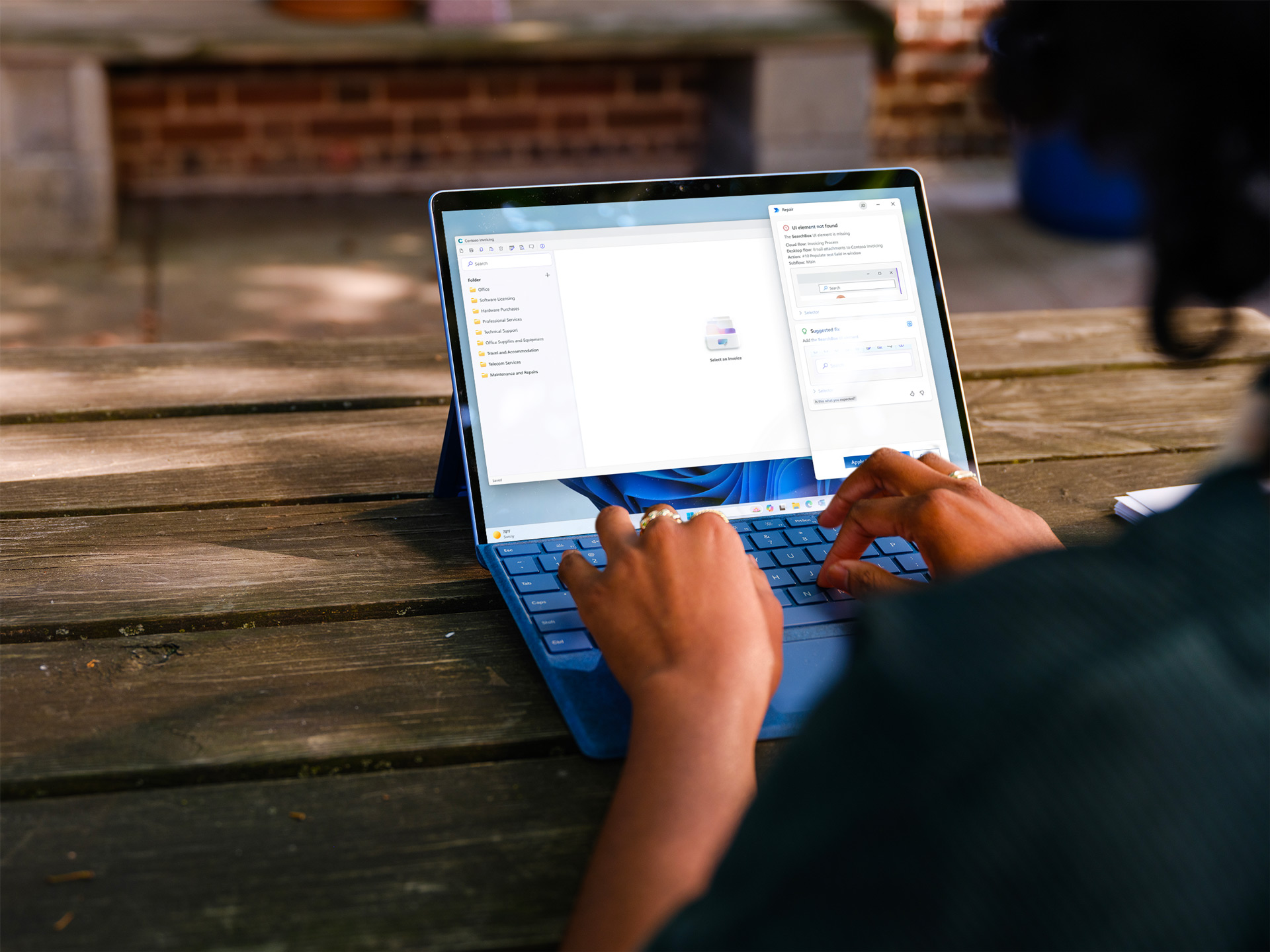
A small change can break a flow
UI and web automations depend on selectors. When an application changes, an automation can lose the element it needs.
Make recovery understandable
I designed the experience for reviewing and applying Copilot’s suggestions, working with engineering on attended and unattended scenarios.
Repair, then continue
Copilot uses the old selector and UI hierarchy to locate the right element. Repaired selectors can be saved for future runs.
Find the breakFind a way through
A repair sequence in Power Automate for desktop, from an invalid selector to a running flow.
Recognize the interruption
A desktop flow encounters an element it can no longer locate. The failed selector becomes the starting point for recovery.
The automation pauses when the expected UI element cannot be found. Make the repair visible
Copilot analyzes the interface and suggests an updated selector. The attended experience gives the person a place to review and apply the suggestion.
The proposed selector is presented for review before it is applied. Get the flow moving again
With the selector updated, the flow can resume. The repair can also be kept for future runs.
The desktop flow continues with the repaired selector.
Recovery peoplecan understand
The design makes an automated repair legible while supporting different ways of running desktop flows.
Explain what Copilot is repairing
The review interface brings the suggested selector into the foreground, helping people understand the change before applying it.
Design for both operating modes
I partnered with engineering on attended and unattended automation. The experience had to support a person at the desktop as well as flows running without supervision.
Keep successful repairs useful
Allowing repaired selectors to be saved reduces the need to repeat the same manual maintenance on later runs.
Less maintenanceMore continuity
The work established a foundation for repairing UI automations as applications change.
Recover from interface changes
The flow can locate and repair invalid selectors during runtime, reducing interruptions caused by UI changes.
Reduce repeated fixes
Saved repairs reduce the need for manual selector updates on subsequent runs.
Support unattended work
The approach covers both attended and unattended automation scenarios.